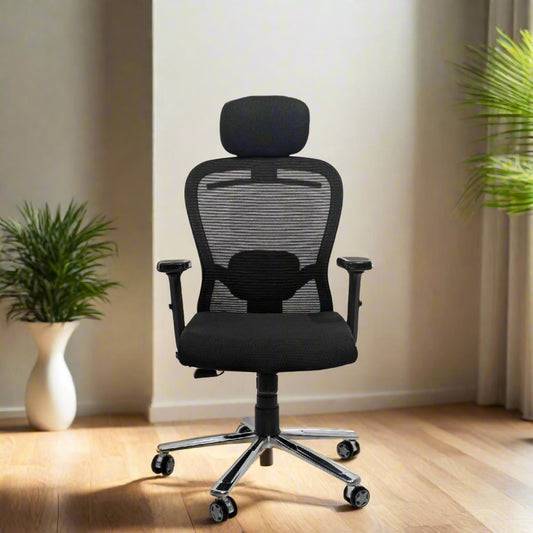
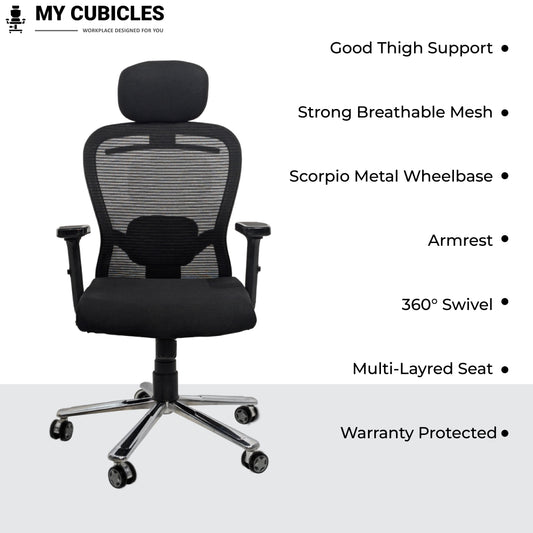
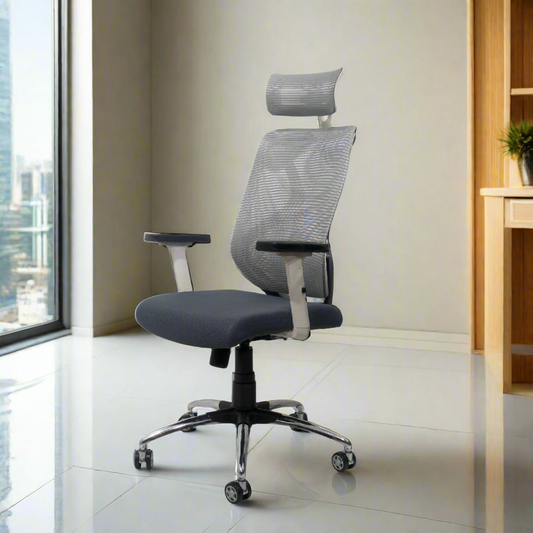
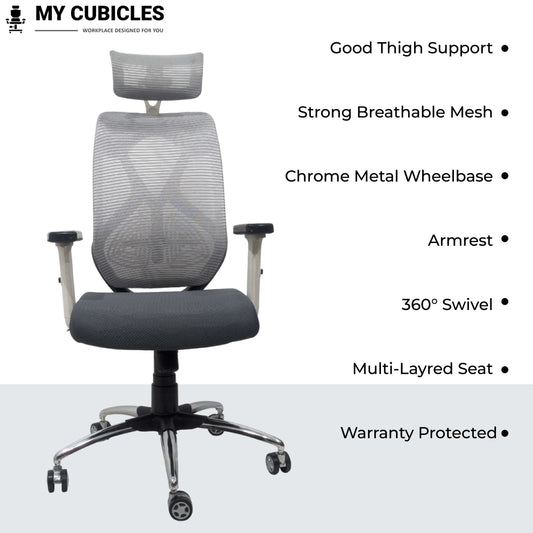
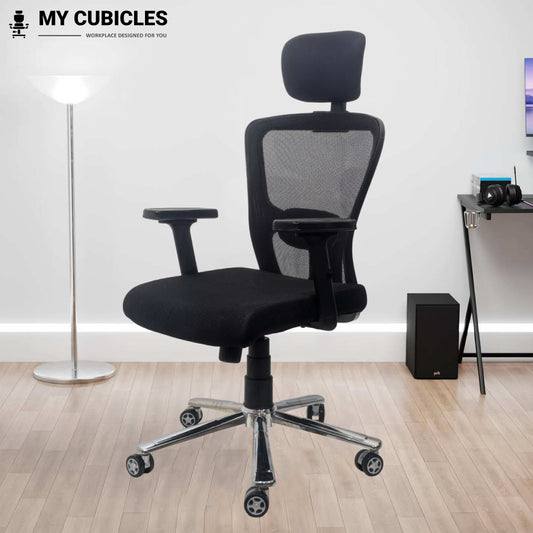
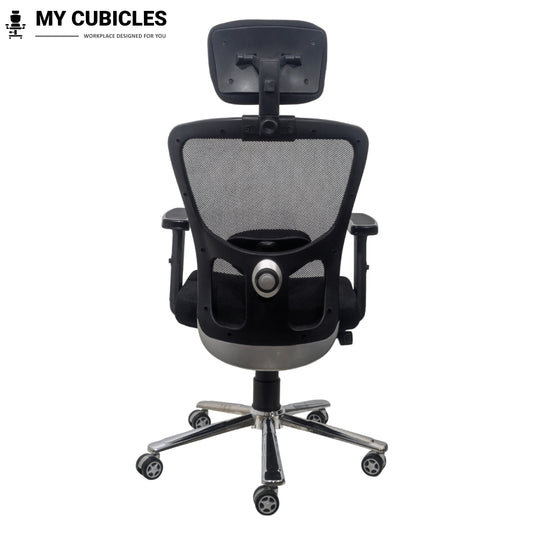
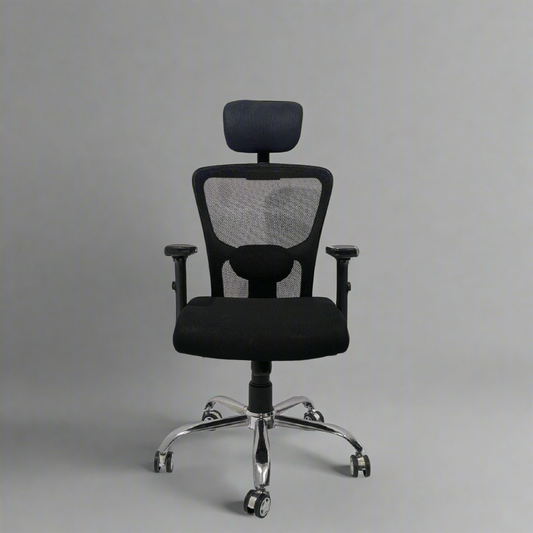
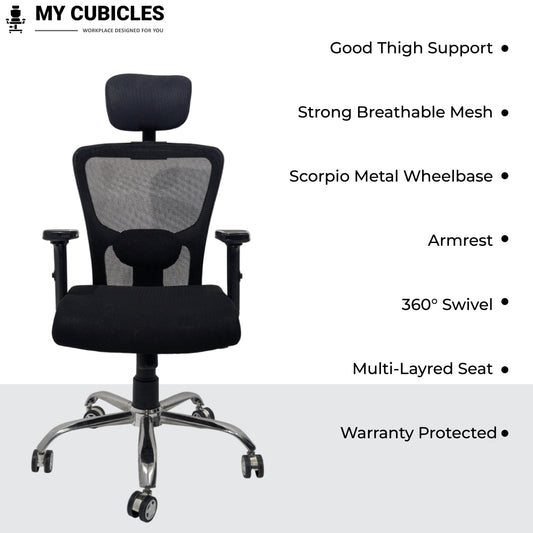
If you spend 8 to 10 hours a day sitting at a desk, your chair is either helping your back or slowly damaging it. Prolonged sitting in a poorly designed chair flattens the natural curve of your spine, compresses your lumbar discs, and creates the kind of stiffness and aching that follows you home every evening. A good office chair for back pain changes that - it supports your backbone, keeps your spine aligned, and allows you to work for hours without discomfort.
At My Cubicles, we have curated the widest range of ergonomic chairs for back pain in India, designed specifically for professionals, remote workers, and anyone who needs genuine back support during long sitting hours. Every chair in this collection features adjustable lumbar support, a spine support design, breathable mesh, and the kind of build quality that lasts. Whether you need the best home office chair for back pain, a comfortable chair for back pain during work-from-home hours, or a reliable desk chair for your corporate setup - you will find it here.
We have delivered over thousands of chairs across India, and our customers consistently tell us the same thing: the right chair made the pain stop. Browse our collection above and find the one that fits your body, your budget, and your workspace.
Before you invest in a back pain relief chair, it helps to understand why sitting causes back pain in the first place - because the answer directly affects which chair features matter most for you.
Your spine has a natural S-shaped curve. The lower section (the lumbar region) curves inward, the mid-back (thoracic region) curves slightly outward, and the neck (cervical region) curves inward again. This S-curve is what keeps your body balanced and distributes your weight evenly when you stand or walk.
The problem begins the moment you sit down in a flat-backed chair with no backbone support. Without something to fill the gap between your lower back and the backrest, your lumbar curve collapses. Your pelvis tilts backward, your shoulders roll forward, and your neck pushes ahead to see the screen. Physiotherapists refer to this as "posterior pelvic tilt" - and it places enormous pressure on the soft discs between your vertebrae.
The good news: in most cases, back pain from sitting is not a spinal condition - it is a chair problem. Replacing a flat, unsupportive chair with a properly designed ergonomic chair for back pain can reduce lower-back strain significantly, often within the first week of use.
How Do Ergonomic Chairs Provide Back Pain Relief?
Sitting for long hours does not have to mean living with pain. The right chair for back pain targets each specific problem with a matching ergonomic feature. Here is how each feature works and what difference it makes:
| The Pain You Feel |
What Causes It |
Ergonomic Feature That Fixes It |
The Difference You Will Notice |
| Lower back stiffness and aching |
No lumbar support - spine flattens out |
Adjustable lumbar support that fills the gap at your lower back |
Supports the natural inward curve of your spine, reduces disc pressure, and relieves stiffness within days |
| Shoulder and upper back tension |
Hunching forward due to lack of upper back support |
High-back design with full spine support |
Provides complete support from lower back to shoulders, reducing muscle strain and tension headaches |
| Neck strain and head fatigue |
Neck muscles overwork to hold head upright (your head weighs about 5 kg) |
Integrated adjustable headrest with height and angle control |
Cradles neck and head during reading, calls, and thinking breaks - reduces cervical strain |
| Difficulty concentrating due to discomfort |
Constant shifting and fidgeting caused by pressure points |
High-density foam cushion with even weight distribution |
Eliminates pressure points so you can sit still, stay focused, and work without distraction |
| Worry about long-term spinal health |
Years of sitting without postural guidance |
Ergonomic frame with backbone support and posture-correcting design |
Encourages correct spinal alignment every time you sit, preventing chronic pain and long-term disc damage |
| Wrist and forearm fatigue |
Arms hanging or resting at wrong angle while typing |
Adjustable armrests (height and width) |
Supports elbows at 90° while typing, reducing strain on wrists, forearms, and shoulders |
Every chair in our collection is designed to address these specific pain points. Explore the products above and choose the one that matches your body and your needs.
How to Choose the Best Office Chair for Back Pain: A Complete Buying Guide
Not every ergonomic chair is right for every type of back pain. Here is what to look for based on your specific needs, body type, and budget.
Adjustable Lumbar Support - The Single Most Important Feature
If your chair has only one adjustment, this is the one that matters. Lumbar support fills the natural gap between your lower back and the backrest, maintaining the inward curve of your spine. Look for chairs where the lumbar pad can be moved up or down to match your exact spine height. Fixed lumbar is acceptable for light use, but adjustable lumbar is essential if you sit for more than 4 hours a day. This is what separates a basic chair from a genuine backbone support chair.
High-Back vs. Mid-Back Design
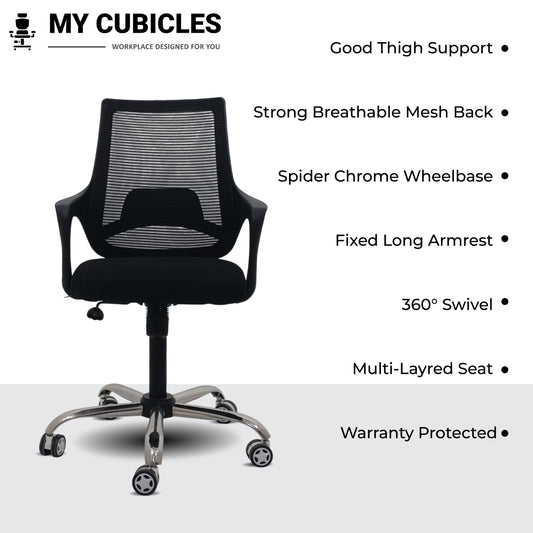
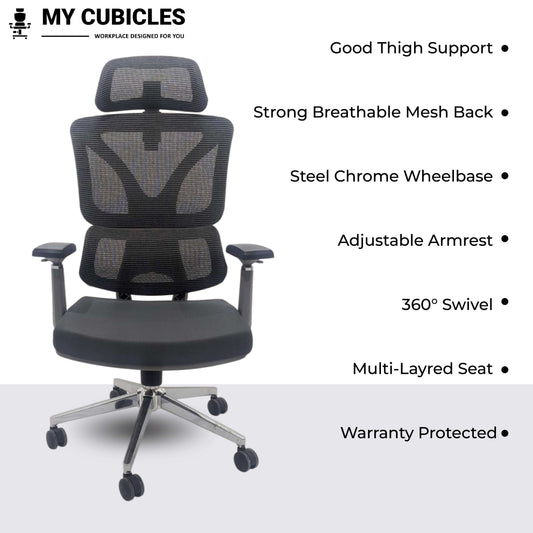
A high-back chair for back pain supports your entire spine - from the lumbar region up through your shoulder blades. If your pain extends to your upper back, neck, or shoulders, a high-back design is non-negotiable. Mid-back chairs work for people whose pain is limited to the lower back area and who prefer a lighter, more compact chair for smaller workspaces.
Adjustable Headrest and Neck Rest
Your head weighs approximately 5 kg. Without a headrest, your neck muscles work constantly to hold it upright for 8+ hours. An adjustable headrest with height and tilt control lets you rest your head during reading or calls, relieving the cervical spine and reducing tension headaches.
Adjustable Armrests
Poorly positioned armrests cause more problems than no armrests at all. Look for armrests that adjust in height (at minimum) so your elbows rest at a natural 90-degree angle while typing. This reduces strain on your shoulders, wrists, and forearms - particularly important for people who type all day.
Seat Height Adjustment
Your feet should rest flat on the floor with your knees at a 90-degree angle. A pneumatic height adjustment mechanism lets you dial in the exact height for your body. This is especially important if your desk is not height-adjustable, as the chair height must compensate.
Tilt and Recline Mechanism
Sitting locked at 90 degrees all day is almost as harmful as slouching. A good tilt mechanism lets you recline to 110 to 135 degrees periodically, which opens up your hip angle, reduces disc pressure, and gives your back muscles a break. Look for a tilt lock that lets you set your preferred recline angle.
Breathable Mesh Back
This may seem unrelated to back pain, but it matters. When your back gets hot and sweaty, you fidget - constantly shifting to find a cool spot. Each shift pulls you out of the supported posture your lumbar pad is providing. A breathable mesh back keeps you cool, still, and properly supported throughout the day. In Indian climates, this is particularly important.
Weight Capacity and Durability
A chair rated for your weight (or above) ensures that the lumbar support, gas lift, and recline mechanism all perform as designed. Choosing a chair below your weight can cause the support systems to compress or fail prematurely. Check the weight rating before buying - all our chairs clearly display this information.
Choosing the Right Chair by Budget
| Budget Range |
What You Get |
Best For |
Our Recommendation |
| Under ₹5,000 |
Mid-back design, basic lumbar support, height adjustment, breathable mesh |
Students, light home office use, short sitting sessions (under 4 hours) |
Swift Mid Back Mesh Office Chair |
| ₹5,000 – ₹8,000 |
High-back design, adjustable lumbar, headrest, armrests, tilt mechanism |
Professionals working 6-8 hours daily, work-from-home setups |
Majesty Black Jazz High Back Ergonomic Executive Office Chair |
| ₹8,000 – ₹12,000 |
Premium ergonomic frame, advanced lumbar system, full adjustability, heavy-duty base |
People with chronic back pain, 8-12 hour workdays, executive offices |
Black Ergo Gladiator Executive Office Chair |
How to Set Up Your Office Chair for Back Pain Relief: Step-by-Step
Buying the right chair is only half the solution. Setting it up correctly is what actually eliminates the pain. Follow this setup in order:
Step 1: Adjust Seat Height
Sit in the chair and lower or raise it until your feet rest flat on the floor. Your thighs should be parallel to the ground and your knees bent at approximately 90 degrees. If your desk is too high after this adjustment, consider a footrest rather than raising the chair - keeping your feet elevated without floor contact creates its own set of problems.
Step 2: Set Lumbar Support Position
The lumbar pad should sit right at the curve of your lower back - roughly at belt level. If it is too high, it pushes your shoulders forward. Too low and it does nothing. Adjust the height until you feel gentle, consistent pressure filling the gap between your lower back and the backrest.
Step 3: Adjust Seat Depth
Slide back in the chair until your back is fully against the backrest. There should be a 2 to 3 finger gap between the front edge of the seat and the back of your knees. If the seat presses into the back of your knees, the seat is too deep for your body.
Step 4: Set Armrest Height
Lower your arms naturally to your sides with elbows bent at 90 degrees. Adjust the armrests so they just touch the underside of your forearms in this position. Too high and your shoulders will hunch up. Too low and your arms will hang, pulling your shoulders down.
Step 5: Adjust Headrest
If your chair has an adjustable headrest, set it so it supports the base of your skull - not the top of your head and not the middle of your neck. The headrest should allow your eye line to remain level with the top third of your monitor.
Step 6: Position Your Monitor
This is not a chair adjustment, but it directly affects whether your chair setup works. Your monitor should be at arm's length distance, with the top of the screen at or slightly below eye level. If the screen is too low, you will tilt your head forward regardless of how good your headrest is - and that reintroduces neck strain.
Pro tip: Reassess your chair settings every month. As your posture improves, your body position changes slightly, and the lumbar and headrest may need fine-tuning.
Top 5 Back Pain Relief Chairs: Feature Comparison
| Feature |
Majesty Black Jazz High Back |
Black Ergo Gladiator Executive |
Lunar Fusion Mesh Headrest |
Titan Throne Matrix High Back |
Nova Headrest Executive |
| Best For |
Best overall for back pain under ₹7,000 |
Best premium spine support chair |
Best budget-friendly back pain relief chair |
Best for lower back pain with lumbar adjustment |
Best for neck + back pain combined |
| Ergonomic Design |
Yes |
Yes |
Yes |
Yes |
Yes |
| Adjustable Headrest |
Yes |
Yes |
Yes |
Yes |
Yes |
| Adjustable Armrests |
Yes |
Yes |
Yes |
Yes |
Yes |
| Lumbar Support |
Adjustable |
Inbuilt |
Inbuilt |
Adjustable |
Inbuilt |
| Mesh High Back |
Yes |
Yes |
Yes |
Yes |
Yes |
| Tilt & Recline |
Yes |
Yes |
Yes |
Yes |
Yes |
| Seat Height Adjustment |
Yes |
Yes |
Yes |
Yes |
Yes |
| Neck and Spine Support |
Full High-Back |
Full High-Back |
Full High-Back |
Full High-Back |
Full High-Back |
| Ideal for Long Hours (8+) |
Yes |
Yes |
Yes |
Yes |
Yes |
| Price |
₹6,630 |
₹10,842 |
₹6,581 |
₹6,075 |
₹8,493 |
Click on any chair name to view full details, dimensions, and customer reviews. Every chair ships free across India with easy DIY assembly.
What Changes When You Switch to the Right Office Chair for Back Pain?
A good chair for back pain does not just reduce discomfort - it changes how you feel, focus, and perform throughout the entire day. Here is what our customers consistently report after switching to an ergonomic chair from My Cubicles:
Relief from Lower Back Strain
The most immediate change. A properly designed chair for lower back pain targets the lumbar region with consistent support, easing the tension that builds during long sitting sessions. Most customers notice a difference within the first 3 to 5 days.
Improved Posture Without Conscious Effort
The right backbone support chair does not force you into a position - it gently guides your body into correct alignment. Your spine stays upright, your shoulders stay back, and your posture improves naturally without you having to think about it constantly.
Better Concentration and Productivity
When your body is not sending pain signals, your brain can fully focus on work. Physical comfort eliminates the constant shifting, fidgeting, and distraction that comes from sitting in a poorly designed chair. Multiple workplace studies confirm that ergonomic seating improves productivity measurably.
Reduced Muscle Fatigue and Better Circulation
A comfortable chair for back pain distributes your weight evenly across the seat and backrest, reducing pressure on any single muscle group. The waterfall-edge seat design reduces pressure behind your knees, keeping blood flowing properly to your legs throughout the day.
Long-Term Spinal Health
The real value of a spine support chair is not just in how you feel today - it is in preventing the chronic conditions that develop over years of poor sitting posture. Disc degeneration, chronic lower back pain, and sciatica are often the result of accumulated postural damage. The right chair is an investment in your future health.
Why Thousands of Customers Choose My Cubicles for Back Pain Relief Chairs
Ergonomic Chairs Designed for Indian Work Conditions
Our chairs are built considering Indian climate (breathable mesh), Indian body types (adjustable height and lumbar ranges), and Indian work patterns (designed for 8-12 hour sitting sessions). Every chair is tested for real-world use, not just showroom display.
The Widest Range of Back Pain Relief Chairs in India
From budget-friendly options under ₹4,000 to premium ergonomic chairs over ₹10,000, we stock options for every body type, workspace, and budget. Explore our full catalogue including ergonomic chairs, high back office chairs, and lumbar support chairs.
4.9+ Star Average Rating Across 1,500+ Reviews
Our customers rate us because our chairs deliver on the promise. Read real reviews on every product page from verified buyers who purchased specifically for back pain relief.
Free and Fast Pan-India Delivery
Every order ships free across India, dispatched within 24 hours. Whether you are in Delhi, Bangalore, Mumbai, Jaipur, or any Tier 2 or Tier 3 city - your chair reaches your door at no extra cost.
Up to 3-Year Warranty
Our warranty covers manufacturing defects in the frame, gas lift, mechanism, and lumbar support system. This is among the longest warranties offered by any D2C chair brand in India.
DIY Assembly with Video Guides and Expert Support
Every chair comes with a complete tool kit and step-by-step video guide for easy home assembly. If you need help, our support team is available 7 days a week via phone and WhatsApp.
Secure Payments and 7-Day Easy Returns
Shop with confidence through secure payment options including UPI, cards, net banking, and EMI. Not satisfied? Return within 7 days - no questions asked.
Competitive Pricing with Regular Discounts
We offer up to 60% off on MRP with regular seasonal sales. Premium ergonomic comfort should not require a premium budget.






 50% off
 51% offSale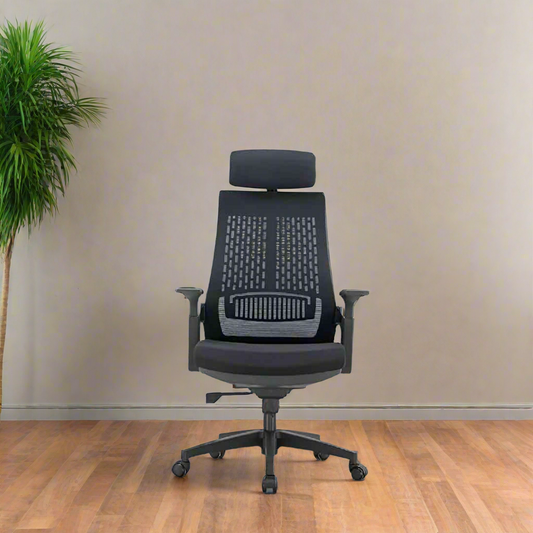
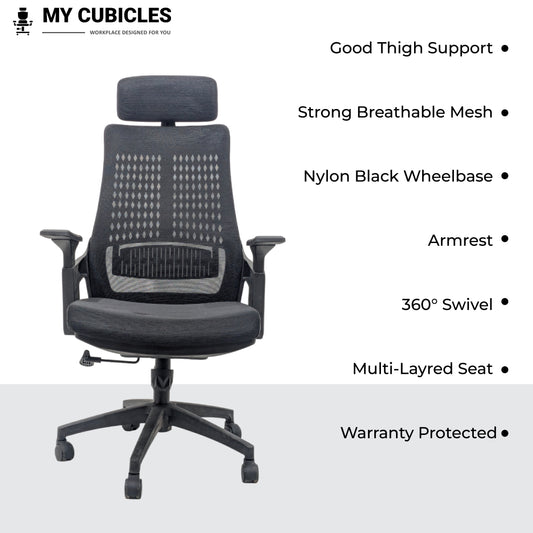 50% off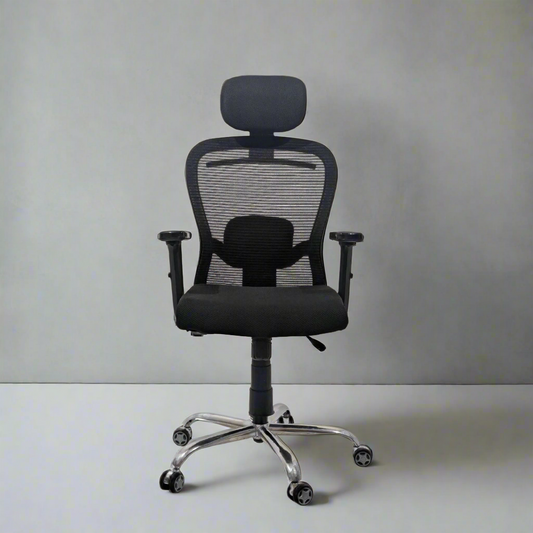
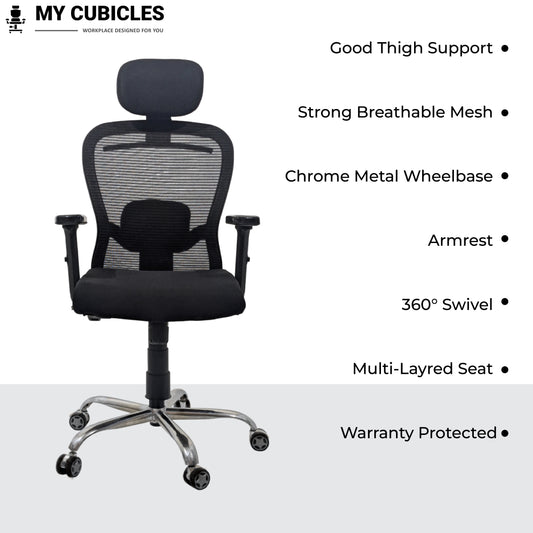 50% off
 41% off
 55% off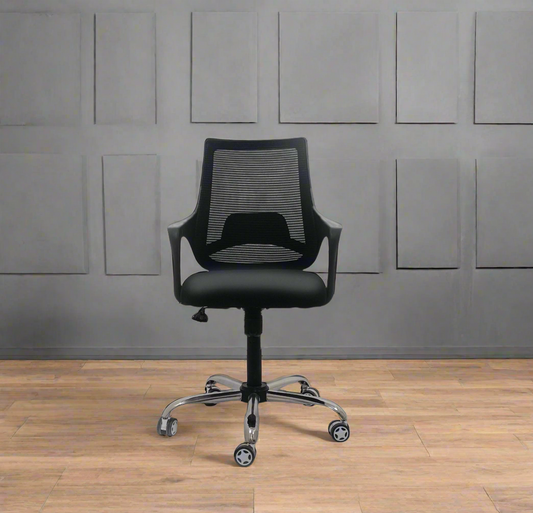
 55% off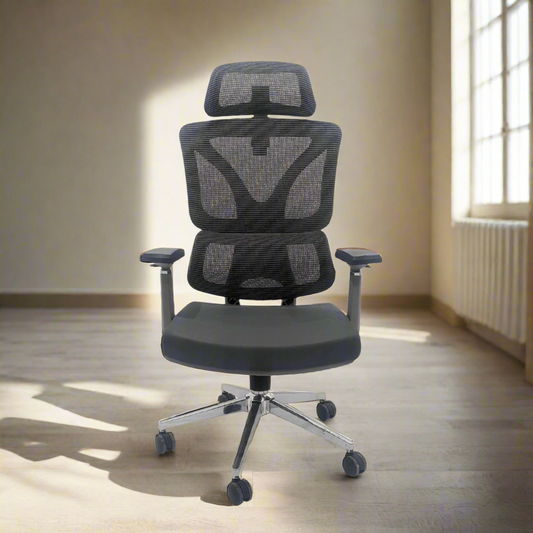
 50% off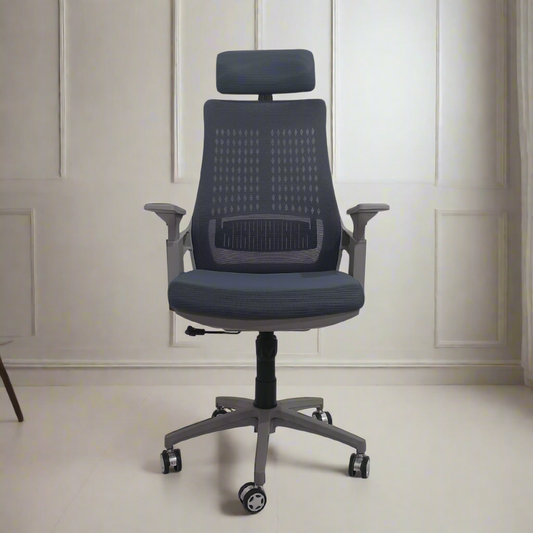
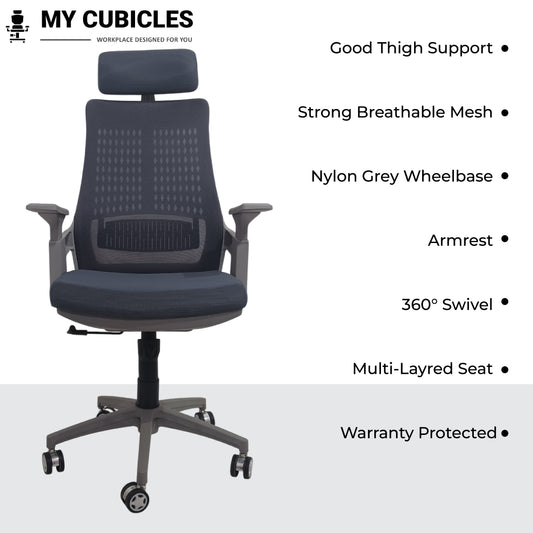 54% off
 50% off